Empty CSV Generator
A blank CSV is useful when a form, import process, or script needs a fixed table shape. For example, a four column contact template can hold Name, Email, Company, and Phone before anyone enters records. Set the row and column counts here, then copy or download the template because the browser can create the file without sending your data elsewhere.
How the Empty CSV Generator Works
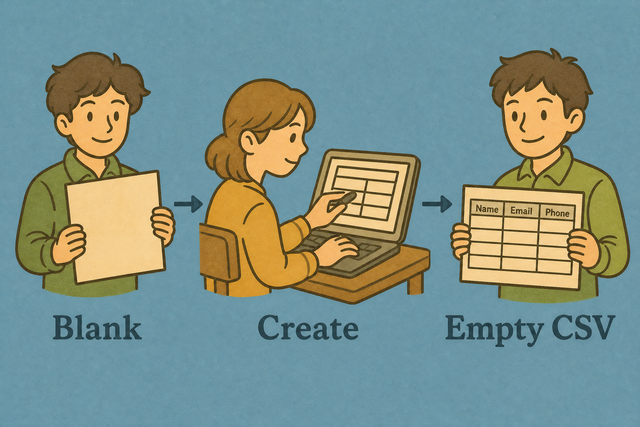
1. Set rows and columns
2. Create the template
3. Copy or download the result
Supported Formats
Empty CSV Settings
Rows and columns are created in your browser. Nothing is uploaded.
Parsing Status
No data to parse
You can use an example or add CSV text when you want to shape an existing table
Your Empty CSV Template
Create a CSV template with blank cells for later entry.
How to use the Empty CSV Generator
A blank table often needs a consistent shape before people or systems add records. For example, a survey import can start with columns for Name, Email, and Response, plus empty rows for future entries. The generator creates that CSV in your browser, so the template is available without uploading source data.
- You can set the shape. Choose the number of rows and columns. This gives every later entry the same table structure.
- Create the template. Select Example if you want a reference table, or keep the fields ready for your own layout.
- You can export the CSV. Review the blank cells, then copy or download the result. A quick review helps prevent a missing column from reaching the next system.
What CSV is used for
What is CSV?
CSV is a plain text table with one row per line and fields separated by a delimiter such as a comma, semicolon, tab, or pipe. For example, Name,Email on the first line defines two columns, while later lines hold values. A consistent header row helps other tools map each value to the right field because CSV stores table data without formulas or styling.
Sample input and output
Example input
Name,Age,City
Ada,36,London
Lin,29,Taipei
Example output
Name,Age,City
Ada,36,London
Lin,29,Taipei
Common CSV template problems
Will leading zeros disappear?
A value such as "00123" can lose its first zeros after a spreadsheet program opens it. Keep the value quoted in CSV and set the destination column to Text because the destination program, rather than this generator, may interpret the value as a number.
Why is everything in one column?
A semicolon or tab may separate the fields even though the file looks like CSV. The columns appear correctly when the reader uses the same separator as the source, so check the source format before changing the data.
What about UTF 8 and Windows 1252?
Accented characters can look incorrect when the source uses Windows 1252 and the reader expects UTF 8. UTF 8 is the safer choice for shared CSV files because it supports a wider range of characters, so re exporting the source in UTF 8 can restore the text.
Create Empty CSV FAQ
Does the empty CSV generator upload data?
No. The generator creates the blank table in your browser, so the CSV is not uploaded.
Your row and column settings stay on this device while you create, copy, or download the template.
Why generate an empty CSV?
An empty CSV gives a form, import process, or script a fixed table shape before records exist. For example, a contact template can reserve columns for Name, Email, Company, and Phone.
You can set the row and column counts, then download the template. A consistent header and row structure helps the next system map values correctly.
Can I fill the blanks later?
Yes. You can open the downloaded CSV in a spreadsheet or use Fill Incomplete CSV to add values later.
You can keep the headers unchanged when another system expects specific fields. Stable headers reduce mapping errors when the completed file is imported.
What is an empty CSV file?
An empty CSV usually contains headers and blank rows, which makes it a reusable table template. For example, a file with Name, Email, and Phone headers can receive contact records later.
The generator creates the selected shape as CSV. The format is plain text, so other tools can read the columns without requiring formulas or styling.
Does Empty CSV Generator upload anything?
No. The blank table is created locally in your browser, and the page does not need your CSV data on a server.
You can copy or download the result after reviewing it. Local processing keeps the template creation step separate from any later system import.
Can I download an empty CSV with specific columns?
Yes. Set the column count, create the template, and replace the placeholder headers with the names your process needs.
For example, a four column file can use Name, Email, Company, and Phone. Clear headers help the receiving system place each value in the correct field.